Contact Us
888-665-1411
Intended Audience
Real Estate Agents who intend to put their Agent Profile and/or MLS Property Listings on ELi Codes.
Purpose
Agent Profile Codes can be used on yard-signs, MLS listing flyers or any other promotional material.
Property Listing Codes can be used on yard-signs, MLS listing flyers or any other promotional material that showcases more information about a property. Each of these codes can be reused for another property after the listing sells.
Prerequisites
Purchase ELi Codes through https://agents.elitechnology.us/ using your CHIME login credentials.
Steps
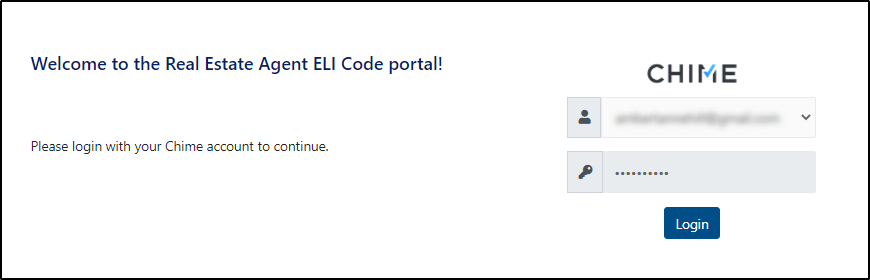
Login to https://agents.elitechnology.us/ using your CHIME Login credentials.
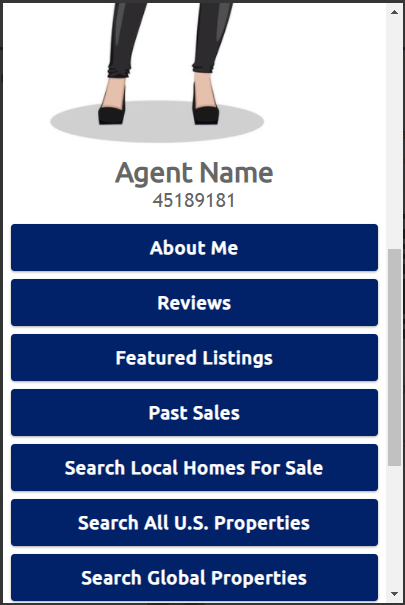
Upon login you will see your Agent Profile Code has been created. The data within this Code is pulled directly from CHIME.
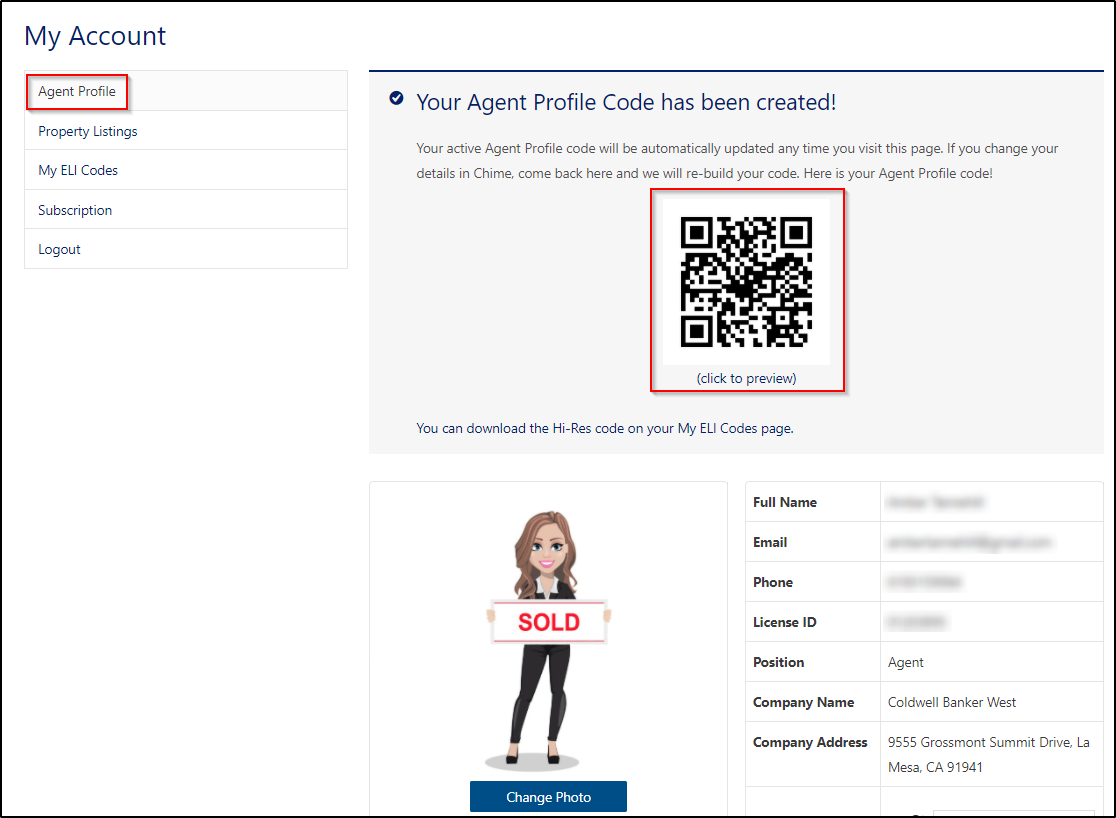
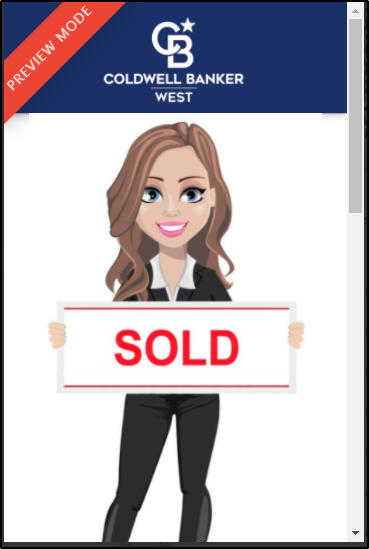
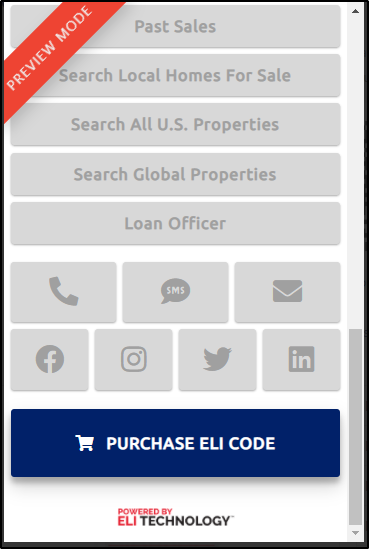
Click on your ELI Code at the top of the page to Preview your Agent Profile Code.
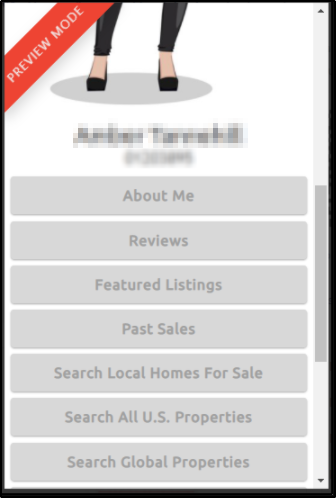
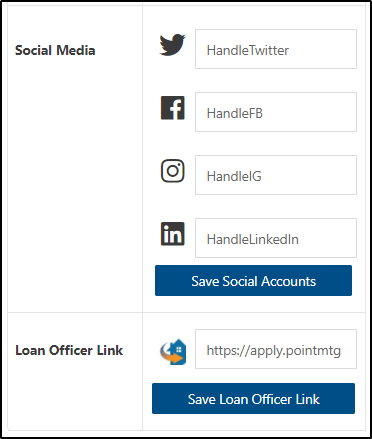
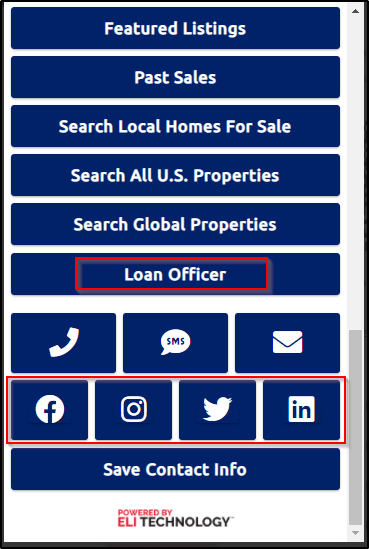
You have the freedom of adding a few more details to your Agent Profile Code, such as Social Media links and a Loan Officer link for Point Mortgage Corp. You can also change your Photo, if desired.
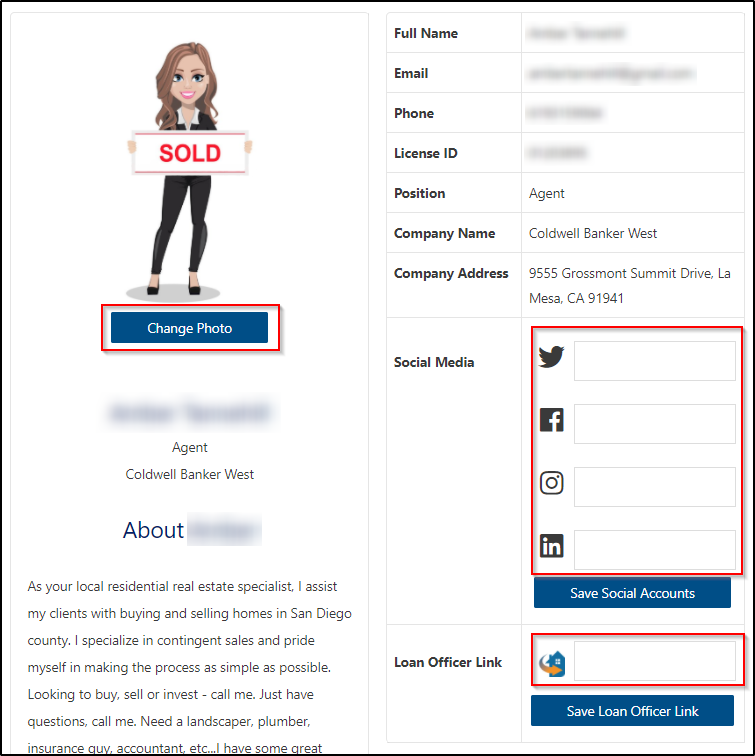
If you leave the Social Media and Loan Officer links blank, they will not appear on your Agent Profile Code.
Next Let’s assign our Property Listing Codes.
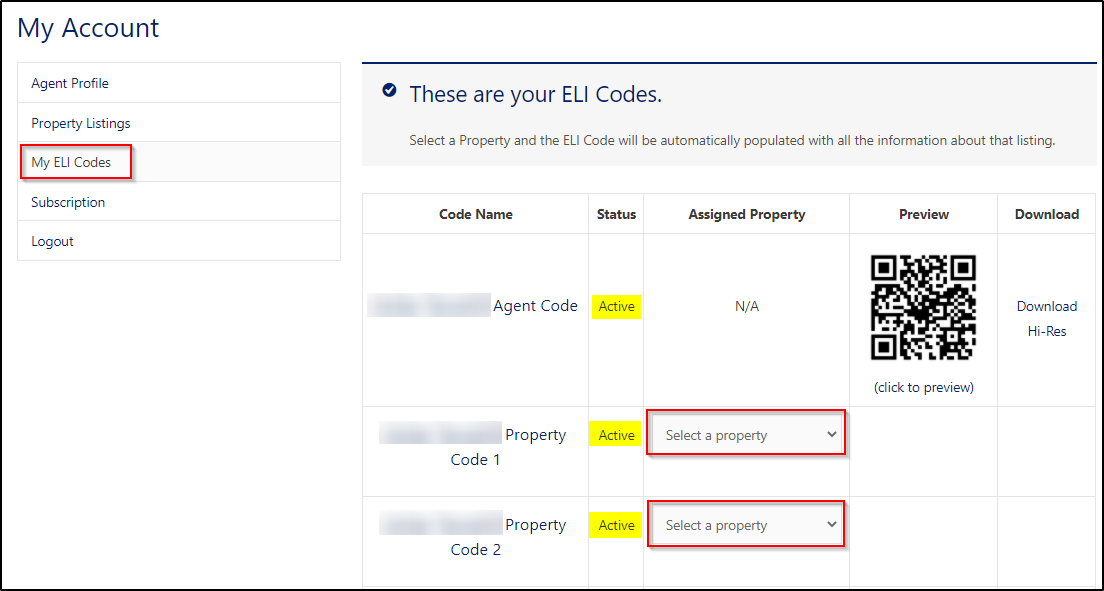
Click “My Account” at the top of the screen then click “My ELi Codes” on the left.
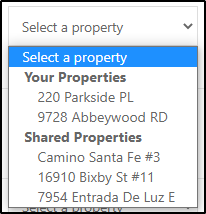
Select a Property you would like to assign to each ELi Code by clicking the drop-down in the Assigned Property column.
You will see your MLS Listings as well as Shared Properties from your colleagues.
Once you have assigned a property to your Property Code you can Preview it and Download it in Hi-Res.
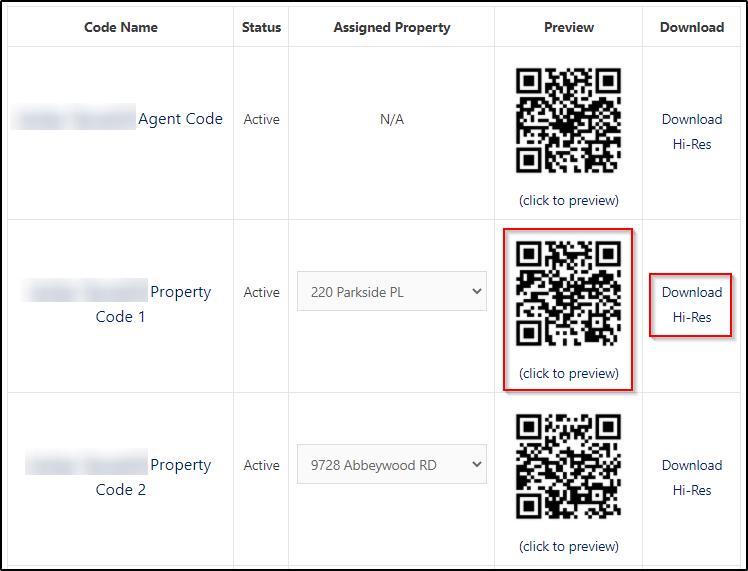
Let’s Preview it! Click the property ELi Code for Property 1
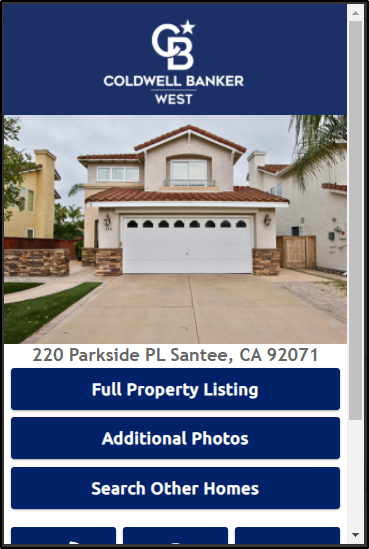
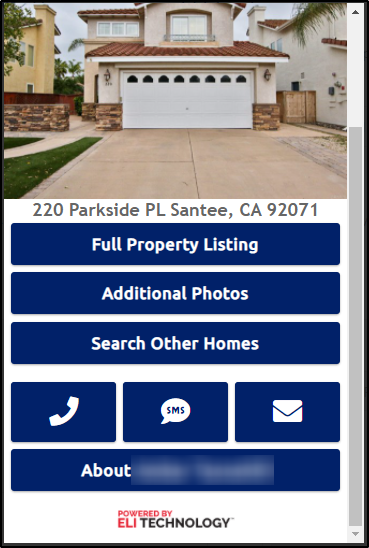
You can now download the ELi code assigned to this property and use it on yard-signs, MLS listing flyers or any other promotional material. Each of these Property Codes can be reused for another property after the listing sells. Simply go to “My ELi Codes” and change the Assigned Property, your ELi Code will remain the same so you don’t have to worry about re-printing your codes.
Let’s add some Social Media links and a Loan Officer link from Point Mortgage Corp. to our Agent Profile Code. Don’t forget to click Save!
Click on your Agent Profile Code to view your newly added buttons. You can do this by going to “Agent Profile” or “My ELi Codes.”

To Share a Property:
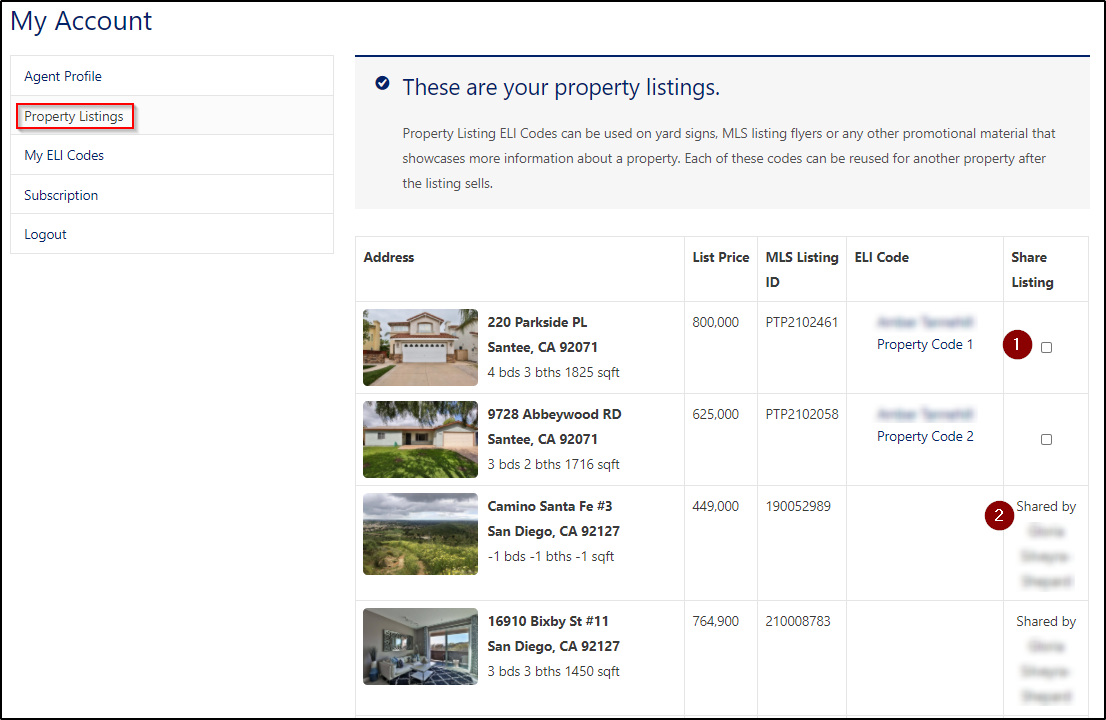
- To Share a Property with your colleagues, click “Property Listings” and check Share Listing on the property you wish to share.
- Likewise if someone has shared a listing, you will see it here.
You can also manage your subscription to add or remove the number of Property Listing codes you can use at any time.
Just click Manage Subscription on the left, then click the Modify button to make the necessary changes. Your account will be updated immediately.
Contact Us
Need a hand? Or a high five?
Here’s how to reach us:
888-665-1411